

XER Schedule Toolkit 2.0: Schedule Viewer, rebuilt
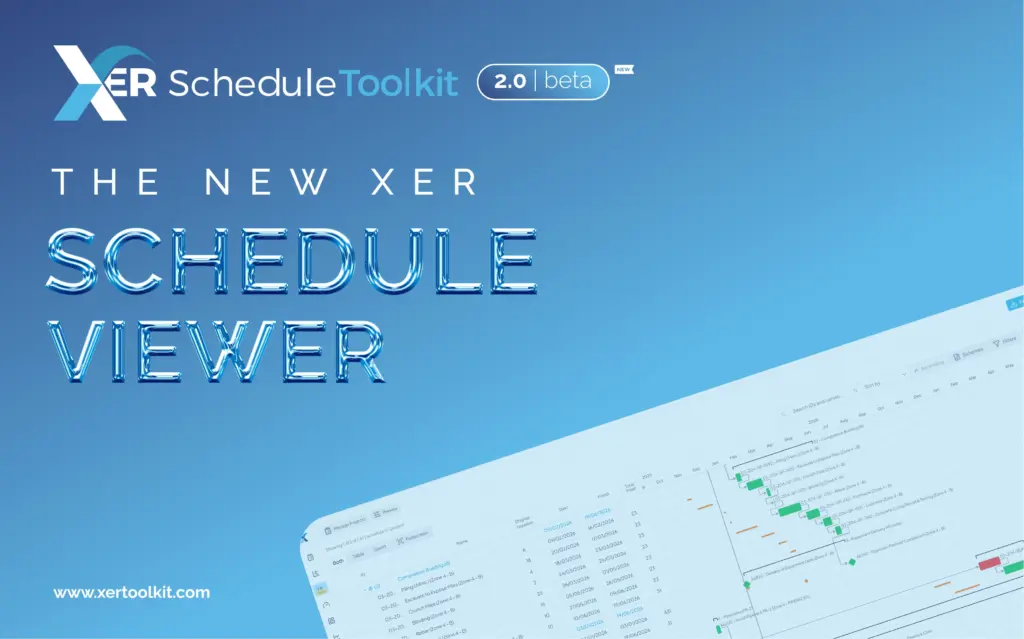
We’re excited to introduce XER Schedule Toolkit 2.0 Beta, marking the biggest single change to XER Schedule Toolkit since launch.
At the heart of the release is a completely rebuilt Schedule Viewer, designed around the way planners work with, analyse and interrogate complex project schedules.
The new Schedule Viewer provides a faster, more flexible and more intuitive environment for working with programme information, with significant improvements shaped by practising planners using real programmes.
Built for major programmes
Modern programmes can contain tens of thousands of activities, multiple projects and huge amounts of information to work through.
That’s why performance has been a major focus of XER 2.0 Beta. The new Schedule Viewer includes substantial performance improvements, helping it remain responsive when working with large and complex programmes, including multiple projects open at once.
A completely overhauled Schedule Viewer
The Activity List and Gantt Chart have been completely redesigned, with both now able to sit side by side and remain in sync as you navigate, filter, sort and interrogate activities.
Schedule Viewer also gives you greater control over your workspace, with configurable panels and dialogs that can be arranged around the way you work.
You can configure schedule columns, including activity codes and user-defined fields, add activity and WBS labels to Gantt bars, collapse the activity tree to different WBS levels and clearly view the Data Date.
Light and dark viewing options, colour-blindness options for the Gantt and full screen mode also provide greater flexibility over your working environment.
Understand the relationships behind your programme
XER 2.0 Beta gives planners greater visibility of predecessors and successors, with relationships available in card or table formats.
Total Float can be viewed alongside relationships, with additional sorting and customisation options available.
This makes it easier to understand not simply what is happening in a programme, but why.
Keep your schedule review where it belongs
With Activity Notes, you can add dated observations directly against individual activities.
Instead of findings and comments being scattered across spreadsheets, documents and emails, your schedule review can stay connected to the activity and programme it relates to.
AI-powered summaries and baseline comparison
XER 2.0 Beta also introduces AI-powered Activity Summaries and Baseline Comparison, providing a simplified way to view activity information alongside baseline data.
These tools give planners another way to interrogate programme information and understand the detail behind individual activities.
More powerful ways to analyse your schedule
The rebuilt Schedule Viewer gives you greater control over how you search, filter and highlight programme information.
The Curtain allows you to select a specific date window and focus on the activities taking place within it, while filtering and highlighting tools let you focus on specific information without losing sight of the wider programme.
You can also search across schedule fields and save combinations of columns, filters and timescales using Saved Schemes.
Preset views including Critical Path, Look Ahead, Look Back and Live vs Baseline provide quick starting points for common types of schedule analysis.
Take your analysis further
When you need to share or further analyse your findings, XER 2.0 Beta allows you to export your current view to Excel or PDF, reflecting the filters and columns you are using.
Alongside this, the release includes multiple projects open simultaneously, improved project imports and a range of other fixes and enhancements.
Built with planners, not just for planners
The new Schedule Viewer has been developed with practising planners using real programmes, with their feedback directly influencing the latest improvements.
This means XER 2.0 Beta isn’t simply about adding more functionality. It’s about creating a better environment for planners to work with, understand and interrogate their schedules.
The XER Schedule Viewer, rebuilt
XER Schedule Toolkit 2.0 Beta represents a significant step forward for the platform, with the completely rebuilt XER Schedule Viewer at its centre.
During the beta period, the existing Viewer will remain available alongside the new experience, giving users the opportunity to explore the latest improvements while retaining the option to return to the existing Viewer. Explore XER Schedule Toolkit 2.0 Beta and discover what’s new
